GetResponse for Shopify and WooCommerce: Consent First
A Shopify or WooCommerce store on GetResponse: the dedicated list, import type, store consent, which cart-recovery tool reaches guests, and the plan.
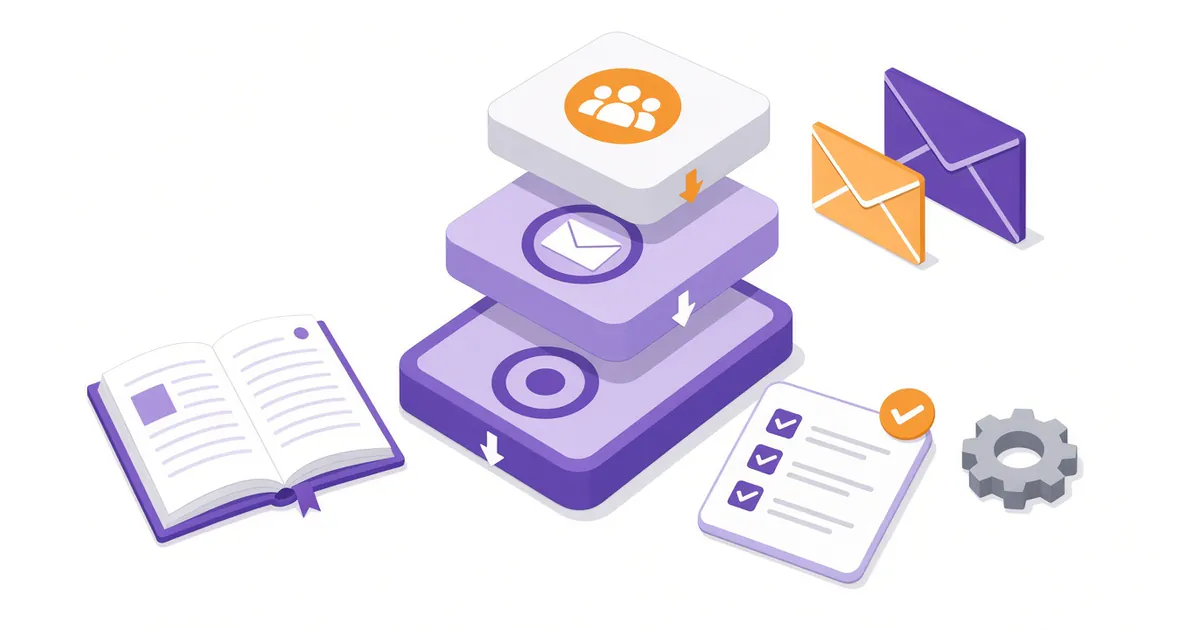
GetResponse connects to Shopify and to WooCommerce on every paid plan, and the connection brings over your customers, your products, their orders and the carts they leave behind. Whether that data turns into cart emails is decided earlier than most store owners look: on the import screen and in the consent settings.
GetResponse's help pages put it in so many words. For its ecommerce campaigns, "ecommerce data and messaging are tied to a single list – copying or moving contacts outside of this list will stop campaign delivery." Those campaigns also "require valid marketing consent", taken from your store during the import, and a consent you keep in a custom field doesn't count.
So three choices come before any email: which list the store feeds, which consent comes with each customer, and which of GetResponse's two cart tools you run. This guide takes them in that order, then covers post-purchase emails and the plan. Everything here comes from GetResponse's help center, read on October 9, 2026, and its pricing page, captured the day before.
A list of the store's own
Both integration articles open with the same advice. The Shopify one says: "We recommend creating a separate contact list dedicated to this integration and not using it for any other purposes." The WooCommerce article repeats it word for word, and both give the same reason: it prevents contact synchronization issues.
Make that list first, under Lists, and name it after the store. Your newsletter signups from elsewhere can stay on their own list. The store list is the one the cart and purchase emails will run on, so treat it as fixed: no copying or moving its contacts to other lists by hand, by workflow or through the API. The abandoned-cart campaign article names those three as things that can stop delivery.
Connecting the store
Shopify
In GetResponse, go to Integrations and API, hover over Shopify, click Details, then Install plugin. You're sent to Shopify to approve the app and its permissions, then back to GetResponse to set up the import. Before you start, check that the GetResponse app isn't already installed in Shopify from an earlier attempt. The help article says it only works properly when installed through these steps.
The import screen asks four things:
- Import type. Send full ecommerce data brings customers, products, orders and abandoned carts. Import contacts only brings customers without their shopping history. Import products only brings the catalog. GetResponse recommends the first and nothing else, since it's the one that feeds product boxes, statistics and promo codes.
- Frequency. Once a day, or live as soon as data changes in Shopify. Only the live option keeps GetResponse fully up to date.
- Which customers. Those with marketing consent in Shopify, or everyone. The recommended setting is consent only (the consent section below explains why it matters).
- Order history. You can pull in past orders, but Shopify allows the last 60 days. Older orders are archived on Shopify's side.
Then map the Shopify fields (name, phone, address, consent and so on) to GetResponse custom fields, or let the defaults apply. Shopify customer tags come over by themselves and keep updating, in one direction, from Shopify to GetResponse.
Last, switch on Web Connect: in GetResponse, open Manage integration, then Web Connect snippet, and confirm the toggle on the Shopify side. It records which pages your customers visit, which you can later use to trigger a workflow when someone views a particular product.
WooCommerce
WooCommerce connects through the GetResponse for WordPress plugin. Install it from Plugins in WordPress, then in GetResponse go to Integrations and API, choose WordPress and click Connect. You'll need your site address (starting with https://), an admin username and an application password generated under Users in WordPress, not the admin password itself.
The requirements are WordPress 5.6 or later, PHP 7.4 or later, cURL and an SSL certificate. If your site runs a lot of other plugins, the help article suggests checking that the GetResponse one works alongside them before you rely on it.
Configure the import from the three-dot menu beside your shop. There are two import types here, Send full ecommerce data and Import contacts only, and the same advice applies: full data, into the store's own list. After the first import, data flows across in real time, with an extra check for changes every 24 hours.
Consent, collected by the store
This is the step most cart emails depend on. Both integration articles carry the same warning: "The Email Marketing Consent is not the same as the GetResponse Consent field." The consent that ecommerce campaigns read is the store's, carried over by the plugin. A consent field you set up inside GetResponse is a separate mechanism, and the cart-campaign article says a custom field used for consent doesn't replace the native one.
So collect consent where the store collects it:
- Shopify: collect it where GetResponse's article suggests, at checkout, at registration or in account settings. Import customers with marketing consent, as recommended in the import settings. When someone withdraws that consent in Shopify, GetResponse removes them. When someone unsubscribes in GetResponse, their Shopify marketing consent is removed too.
- WooCommerce: turn on Email marketing consent in the plugin settings. It adds a checkbox to registration and to guest checkout. With it on, only customers who tick it are imported to your list. It isn't available on WordPress multisite.
Shoppers can also manage this themselves. Marketing emails from an ecommerce campaign carry a link to GetResponse's Preference Center, where a subscriber can withdraw marketing consent or stop cart and price-drop reminders. Withdrawing can't be undone from that page.
One cart tool, not two
GetResponse has two ways to send cart reminders, and its help center says not to run both for the same store, because customers can get duplicate reminders and the reports stop being reliable.
| Automation workflow | Ecommerce campaign | |
|---|---|---|
| Who it reaches | Contacts on your list with marketing consent | Every store shopper, including guests who never subscribed |
| What a non-subscriber gets | Not reached | A plain reminder about the cart, with no marketing content |
| How it spots a cart | Cart page and thank-you page addresses, Web Connect, or the store's API events | The store integration's own events |
| Bringing the cart back | Abandoned cart block linking to your cart page | A link that rebuilds the cart, even for a logged-out shopper |
| Shape | Branching flowchart: tags, scores, web push, conditions | A straight line: trigger, wait, email, up to 21 days in total |
| Where | Automation | Campaigns, then Ecommerce campaigns |
The difference that decides it is the first row. If many of your sales come through guest checkout, only an ecommerce campaign can remind those shoppers at all. GetResponse sends subscribers who gave consent the marketing version (it can carry a discount code or product picks) and, if you switch the option on, everyone else the plain one. It also stops the reminders once the customer buys.
There's a catch. GetResponse's article on managing them says "Ecommerce campaigns are in pilot phase and available for selected customers." If you don't see Ecommerce campaigns under Campaigns, the workflow is the route for now.
Put the pilot note next to the rest of the help center and the direction is plain. Ecommerce campaigns have their own place under Campaigns, an Abandoned cart template, revenue reporting under Reports and a reminder that can reach shoppers who never subscribed, which no workflow can. GetResponse is building store email as its own product. The pricing table, though, lists abandoned cart recovery on Marketer without mentioning the pilot, and no help page dates a wider release. If you upgrade for cart emails, assume you're buying the workflow.
If you use an ecommerce campaign: go to Campaigns, then Ecommerce campaigns, click Create campaign and start from the Abandoned cart template. Set how long a cart must sit before it counts as abandoned, add a wait and an email, and repeat if you want a second reminder. Turn on the option to email non-subscribed customers if you want guests reached. Make sure the store plugin is on its latest version first.
If you use a workflow: build the email first, with the Abandoned cart block, which fills in each shopper's product image, name and price when it sends. Then create a workflow with the Abandoned cart condition and a Send message action. Pick API as the method and select your store. Set the condition to run multiple times, so a shopper who abandons twice gets a reminder each time.
After the purchase
With full ecommerce data coming in, three more things open up:
- Thank-you and follow-up emails. The Purchase condition starts a workflow when someone buys, for a thank-you note, a how-to-use email or a scoring plan based on what they bought.
- Product recommendations. In the email editor you can add recommendations narrowed to a product category or variant. Shopify collections arrive as categories, but GetResponse checks them for changes once a day, so set up a sale collection the day before the email that features it.
- Segments. Search contacts by what they bought, when, how often and for how much, then save the search as a segment.
Mind the 60-day import window. A segment of customers who haven't bought in six months starts out empty on Shopify, because GetResponse only sees orders from the import window onward. It fills as time passes. A thank-you flow for new orders works from day one.
Store owners put this part first. In an r/Emailmarketing thread on email platforms from August 2025, an ecommerce seller (the account has since been deleted) called automation flows and segmentation "essential for ecommerce" and added that "solid segmentation is half the battle when it comes to campaign performance." A March 2026 Trustpilot review describes the same wiring at a much larger account, one with its own Customer Experience Manager, using "various sources to trigger these automations (Shop, Datawarehouse, Scripts)".
The report that matches your cart tool
Ecommerce campaigns report abandoned and recovered carts and the revenue they bring under Reports, then Ecommerce. Workflows report through automation statistics and goals. Check the one that matches the cart tool you picked.
Which plan a store needs
Shopify and WooCommerce connect on every plan. What the store data can do once it arrives depends on the plan. GetResponse's plans article lists ecommerce tools (abandoned cart, promo codes, product recommendations) as missing from Starter, where you get a single automation workflow. Marketer adds them and lifts the one-workflow limit. The pricing page's comparison table marks abandoned cart recovery, purchase automation, recommended products and ecommerce segments the same way.
| Contacts | Starter, monthly | Starter, billed yearly | Marketer, monthly | Marketer, billed yearly |
|---|---|---|---|---|
| 1,000 | $19 | $15.58 a month | $59 | $48.38 a month |
| 2,500 | $29 | $23.78 a month | $69 | $56.58 a month |
| 5,000 | $54 | $44.28 a month | $95 | $77.90 a month |
If the reason you're connecting the store is cart reminders, post-purchase emails or product recommendations, you need Marketer. Every list size, and how GetResponse bills, is in the pricing breakdown.
When Starter is enough
If all you want is to send your customers a newsletter, choose Import contacts only, into the store's own list, and stay on Starter. Its welcome emails, newsletters and one workflow all work on that list. Starter also includes an onboarding session, which my GetResponse review covers. It's a good place to have someone check the consent setup with you.
The same Reddit thread is a fair warning about the bigger picture: the store owners in it leaned toward Omnisend and Klaviyo, and one at 46,000 contacts, Lost_In_Tulips, wrote that Omnisend had been "way more affordable as your list grows". GetResponse makes the most sense for a store when email is one channel among several, such as newsletters, webinars or landing pages, rather than the whole ecommerce stack.
FAQ
Does the GetResponse Shopify integration work on Starter?
Yes. The comparison table lists Shopify and WooCommerce on every plan. On Starter, use the contacts-only import, since the cart, purchase and recommendation tools that use the full data aren't available there. Abandoned-cart and purchase-based workflows need Marketer, which is where this guide's plan advice lands.
Why aren't my abandoned cart emails sending?
Start with consent and the list. GetResponse's troubleshooting note covers both: consent has to come through the store integration, not a custom field, and contacts copied or moved off the store's list stop receiving campaign emails. Then check that you aren't running a workflow and an ecommerce campaign for the same store.
Can GetResponse email shoppers who checked out as guests?
Only through an ecommerce campaign, which sends non-subscribers a plain reminder without marketing content. Automation workflows reach only contacts on your list with marketing consent. Ecommerce campaigns are in a pilot for selected customers, so check whether your account has them.
How far back does the Shopify order history go?
60 days. Shopify archives older orders, so purchase-based segments build up from the import onward.
Can I run an abandoned cart workflow and an ecommerce campaign together?
Not for the same store. GetResponse's help center says not to run both, because customers can get duplicate reminders and the reports stop being reliable.
Does marketing consent saved in a custom field count?
No. GetResponse's ecommerce campaigns need consent that comes through the store integration during import; a custom field doesn't count.
About the author: Tess Morrow is the editorial pen name of the Email MK Tools research team. We haven't connected a store to a live GetResponse account; every step here is the help center's. More about Tess.
Sources
Read on October 9, 2026: GetResponse help center, "How to integrate Shopify and GetResponse?", "How to integrate WooCommerce with GetResponse?", "How to connect my online store to GetResponse?", "What kind of ecommerce data is sent to GetResponse?", "How to create an ecommerce campaign for Abandoned Cart?", "What is the difference between abandoned cart in automation and ecommerce campaigns?", "How to manage and edit ecommerce campaigns?", "How can I include abandoned cart items in a message?", "How to set properties for the Abandoned cart condition?", "What is Preference Center?" and "GetResponse Pricing Plans"; GetResponse's Shopify and WooCommerce integration pages; GetResponse pricing page and comparison table, captured October 8, 2026; a Trustpilot review of GetResponse by Raimund Reisinger, March 31, 2026; r/Emailmarketing, thread on the best email marketing platforms, August 2025 (https://www.reddit.com/r/Emailmarketing/comments/1myowww/), captured October 8, 2026.